Follow the steps below to create a new section on the Ticmint Listing Page:
1.Log in to the Ticmint Dashboard.
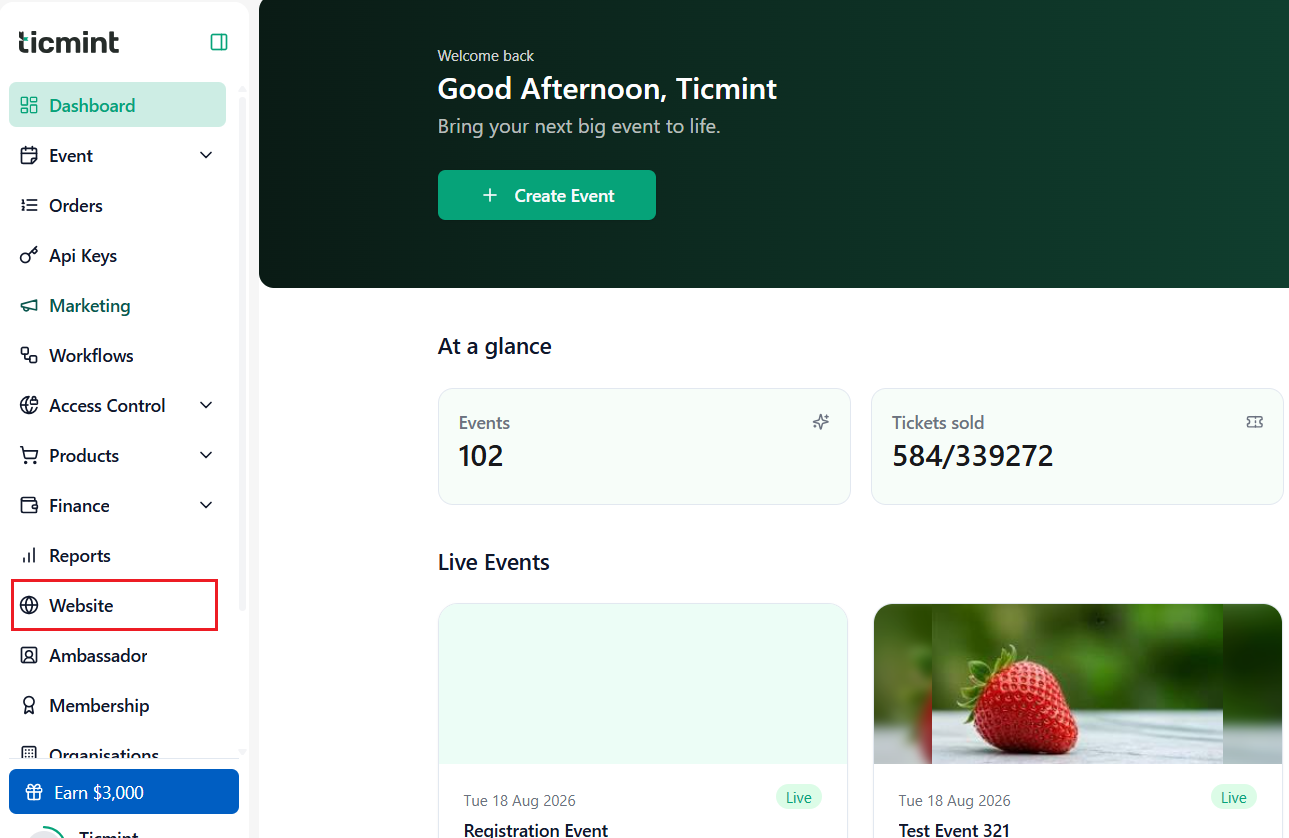
2.From the dashboard, go to Website.
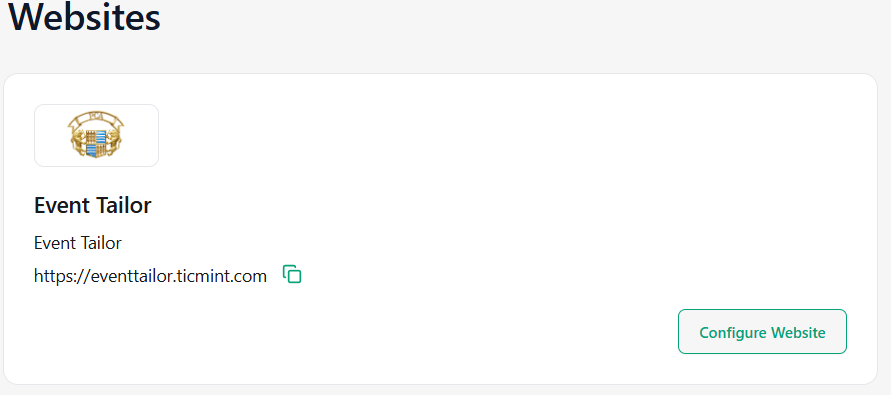
3.Click on Configure Website.
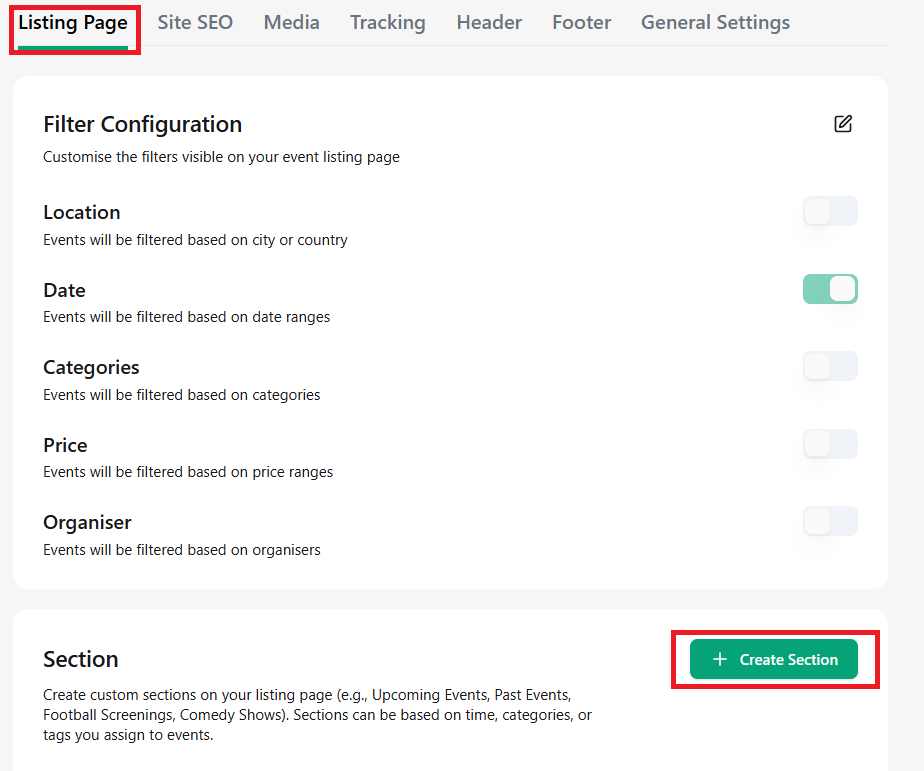
4.Click on Listing Page.
5.Click + Create Section.
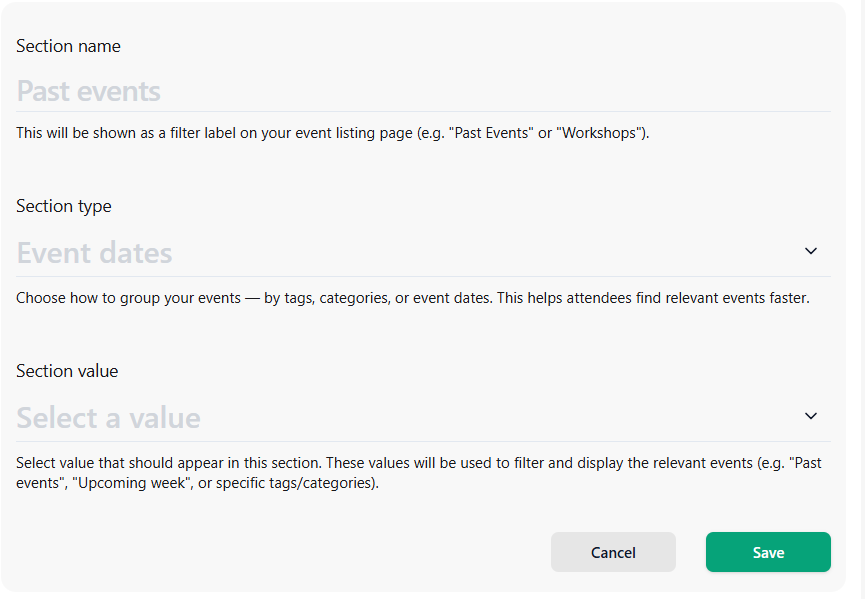
6.Enter the Section Name.
7.Select the Section Type from the dropdown.
Choose how you want to group your events — by tags, categories, or event dates. This helps attendees find relevant events faster.
8.Select the Section Values from the dropdown.
Choose the values that should appear in this section. These values will be used to filter and display the relevant events, such as Past Events, Upcoming Week, specific Tags, or Categories.
9.Click Save to confirm and apply the changes.
Learn more about branded ticketing on your own domain on the Ticmint website.
Was this article helpful?
That’s Great!
Thank you for your feedback
Sorry! We couldn't be helpful
Thank you for your feedback
Feedback sent
We appreciate your effort and will try to fix the article