Add tracking codes to monitor user interactions on your event page. This helps you measure and optimize marketing, advertising, and website performance analytics.
Follow the steps below to configure tracking on your Ticmint website:
1. Log in to the Ticmint Dashboard.
2. From the dashboard, go to Website.
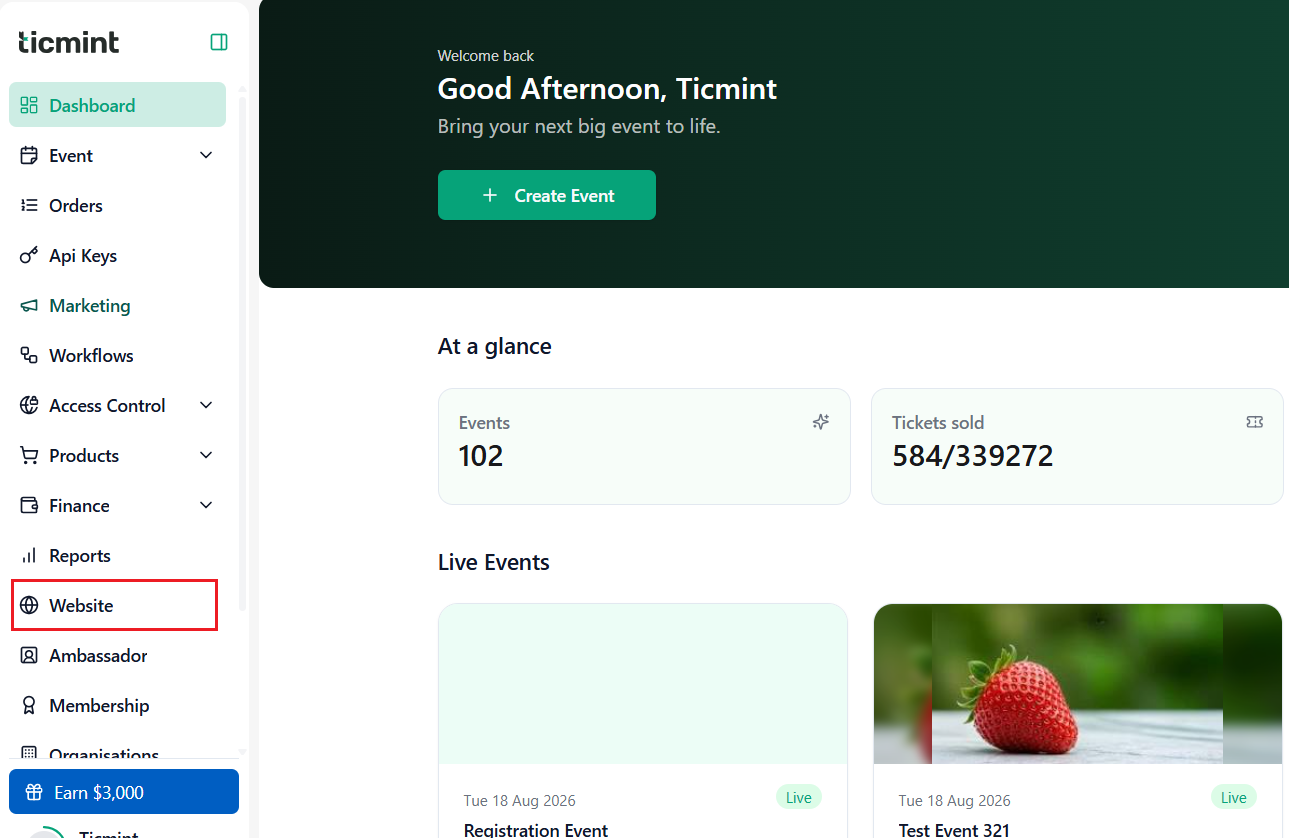
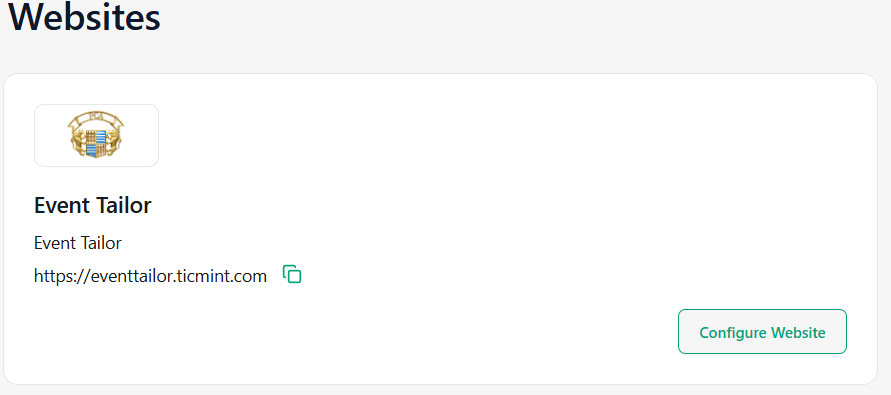
3. Click on Configure Website.
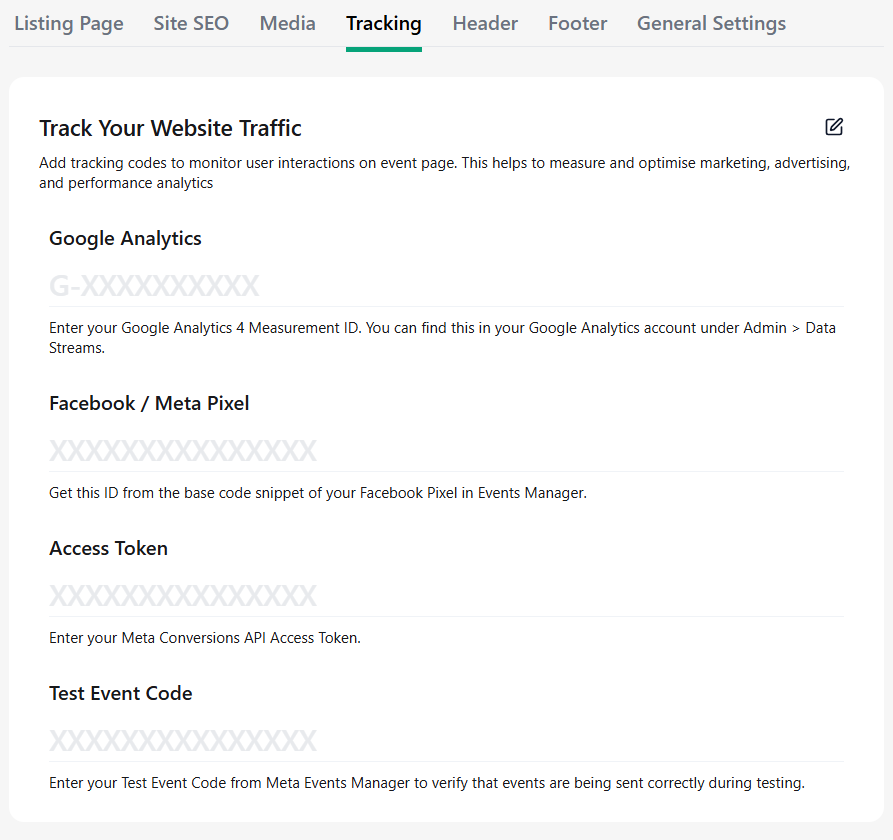
4. Select Tracking and click Edit.
5. Enter the required tracking details:
- Google Analytics: Enter your Google Analytics 4 Measurement ID. You can find this in your Google Analytics account under Admin → Data Streams.
- Facebook/Meta Pixel: Enter your Meta Pixel ID. You can find this ID in the base code snippet of your Facebook Pixel in Meta Events Manager.
- Access Token: Enter your Meta Conversions API Access Token.
- Test Event Code: Enter your Test Event Code from Meta Events Manager to verify that events are being sent correctly during testing.
6. Click Save to confirm and apply the changes.
Learn more about white-label ticketing on the Ticmint website.
Was this article helpful?
That’s Great!
Thank you for your feedback
Sorry! We couldn't be helpful
Thank you for your feedback
Feedback sent
We appreciate your effort and will try to fix the article